Best Webflow Alternatives in 2026
Compare the top 7 Webflow alternatives in 2026. Find the right no-code website builder for your needs across design flexibility, pricing, and ease of use.

Ready to scale your business?
Get professional design and development capacity without hiring overhead. Consistent quality, predictable costs, always available.
Get startedWebflow has established itself as a powerful no-code website builder for designers and agencies needing advanced control. However, its steep learning curve and premium pricing don't suit everyone. Whether you're seeking simpler tools, better value, or specialized features for ecommerce or content management, several strong alternatives exist.
This guide compares seven leading Webflow alternatives across pricing, ease of use, design flexibility, and ideal use cases to help you choose the right platform for your needs.
Understanding Webflow's position
Before exploring alternatives, understanding Webflow's strengths and limitations helps clarify what you actually need.
What Webflow does well
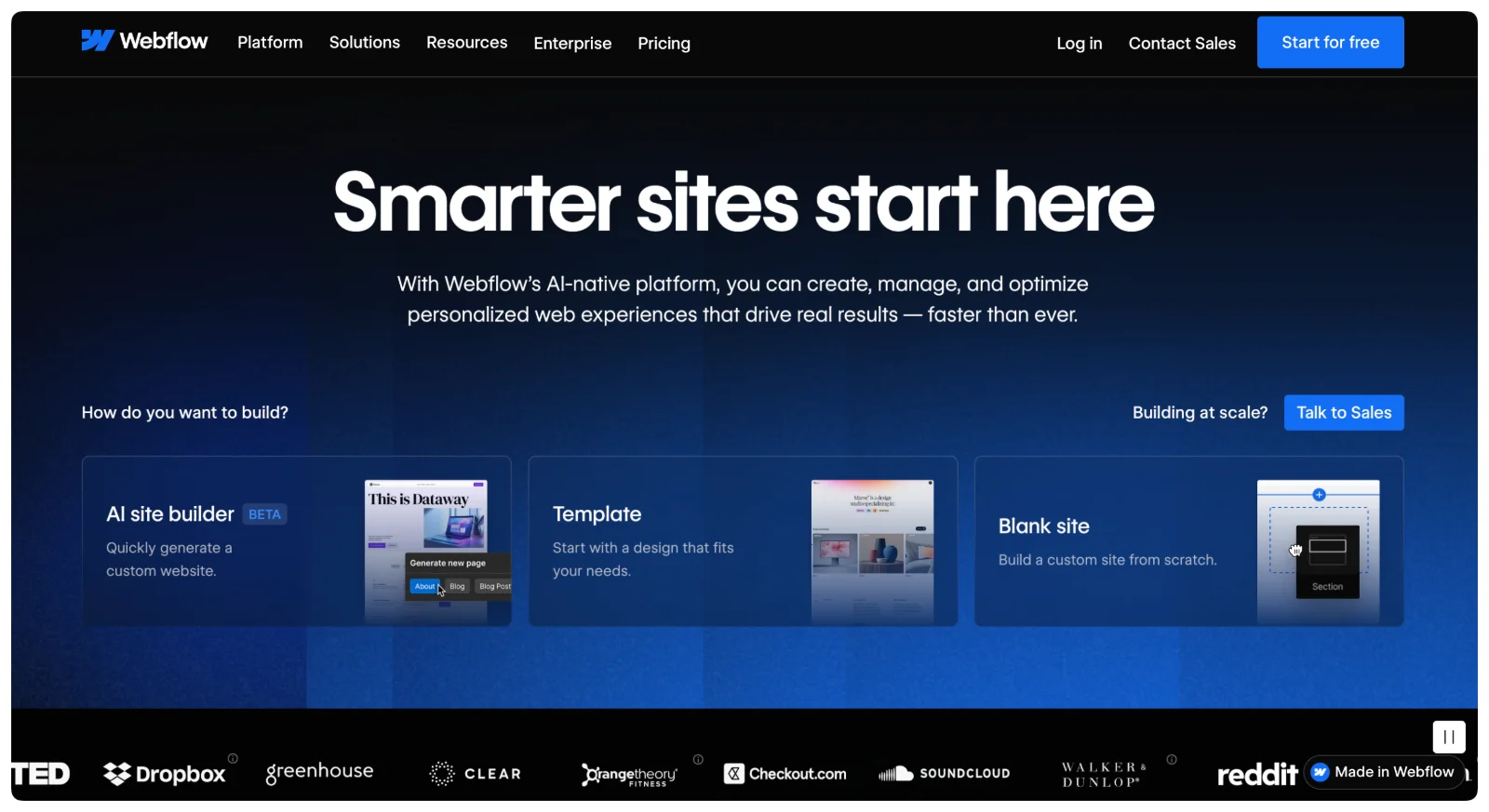 Webflow provides exceptional design flexibility through its visual editor, allowing pixel-perfect layouts and custom animations without coding. Sites built on Webflow can achieve agency-quality results with clean code and strong performance. The content management system handles complex data structures for blogs, portfolios, and dynamic content. For designers comfortable with concepts like flexbox, grid layouts, and responsive design, Webflow feels natural and powerful.
Where Webflow creates friction
Webflow requires significant time investment to learn. The interface assumes familiarity with web design concepts that many users lack, creating a steep learning curve. Starting at $18/month for basic sites, costs escalate quickly with CMS needs, team workspaces, and hosting requirements. Unlike some competitors, Webflow charges for workspace seats, increasing costs for agencies and teams. If you need a straightforward business website or portfolio, Webflow's extensive features create unnecessary complexity.
The 7 best Webflow alternatives
1. Framer
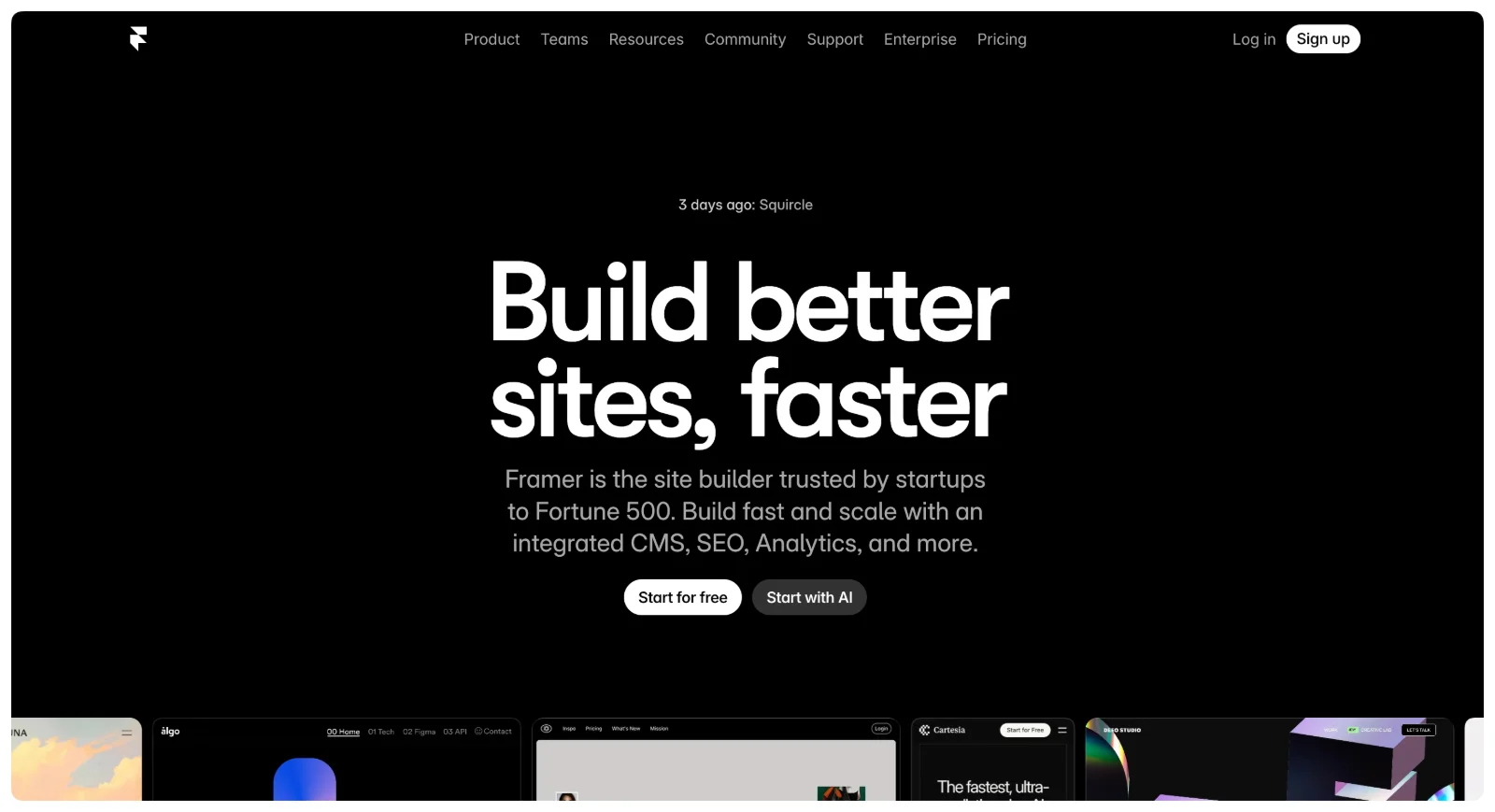 Framer evolved from a prototyping tool into a full-fledged website builder favored by designers wanting visual impact without Webflow's complexity.
Best for: Designers and creative professionals needing beautiful, animated sites without steep learning curves.
Framer's intuitive design interface feels familiar to Figma users, with advanced animation and interaction capabilities that rival Webflow. The learning curve is significantly faster than Webflow while maintaining strong visual design capabilities. Real-time collaboration allows teams to work together efficiently, and AI-powered design assistance helps accelerate the creative process. The platform emphasizes performance optimization, ensuring sites load quickly despite complex animations.
However, Framer remains less robust for complex CMS needs compared to Webflow. The template library is smaller than more established platforms, and ecommerce capabilities are limited. These limitations make Framer better suited for marketing sites and portfolios rather than complex web applications or online stores.
Pricing: Free plan available. Paid plans start at $10/month for basic sites, $20/month for CMS features.
When to choose Framer: Pick Framer when you prioritize design aesthetics and animations but find Webflow unnecessarily complex. Ideal for portfolios, marketing sites, and creative agency websites where visual impact matters most.
2. Ycode
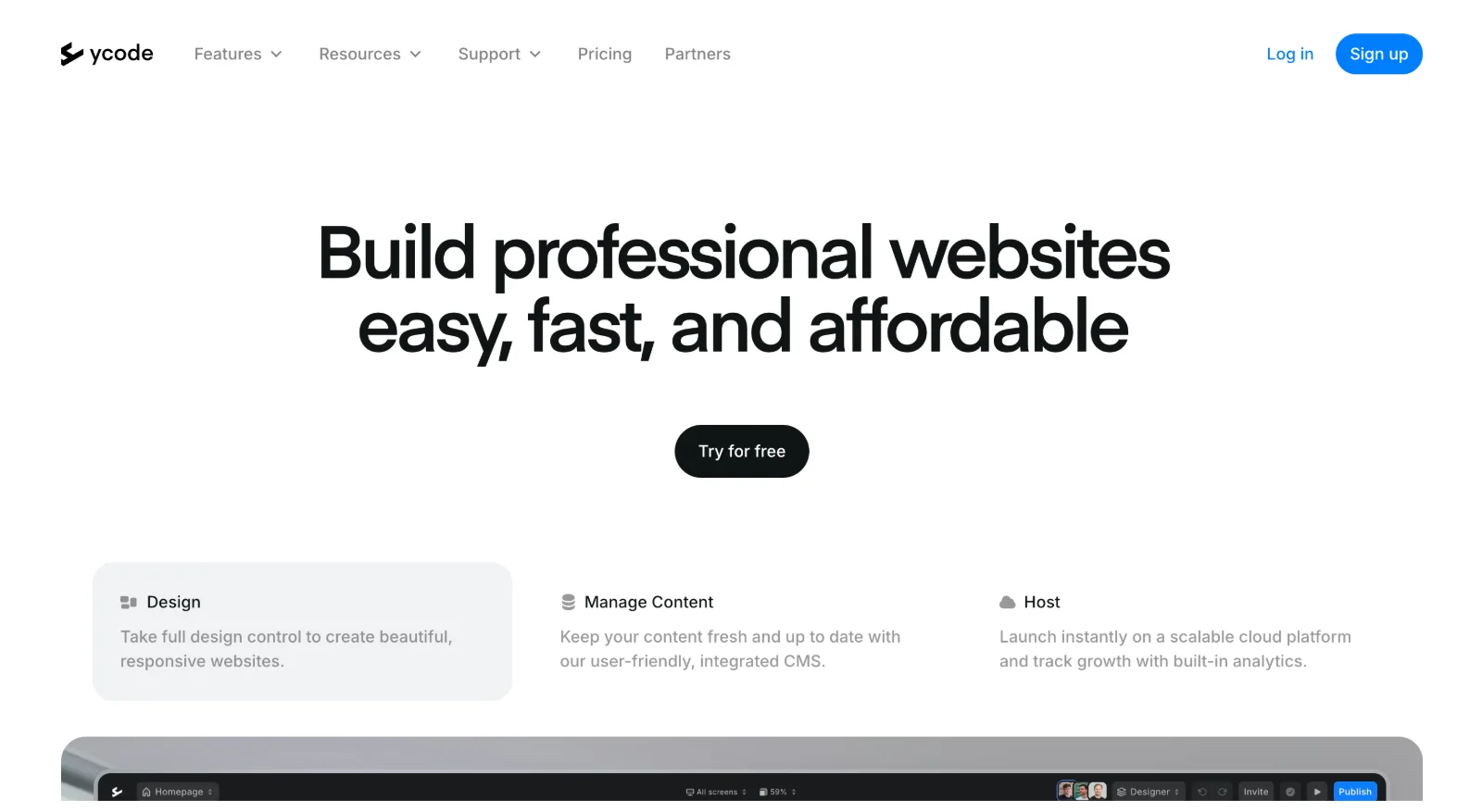 Ycode positions itself as Webflow's more accessible competitor, providing similar design control with simpler workflows and better team collaboration pricing.
Best for: Startups and agencies wanting Webflow-level design control without the learning curve or team collaboration fees.
Ycode delivers visual design tools with built-in animations and a powerful CMS for content management. Unlike Webflow's paid workspace seats, Ycode offers free workspaces and user management, significantly reducing costs for teams. The platform provides responsive controls for all devices and an advanced form builder. The learning curve is notably easier than Webflow while maintaining similar design capabilities, making it accessible to more users. Hosting starts at just $5/month, considerably cheaper than Webflow's pricing structure.
As a newer platform, Ycode has a growing but smaller community compared to established competitors. The template library is more limited, and third-party integration options are fewer. These trade-offs matter less for teams focused on custom design rather than template customization.
Pricing: Free workspaces for team collaboration. Hosting starts at $5/month.
When to choose Ycode: Choose Ycode when you need Webflow's design capabilities but operate on tighter budgets or require cost-effective team collaboration. Particularly valuable for agencies managing multiple client sites without the overhead of per-seat workspace fees.
3. Wix Studio
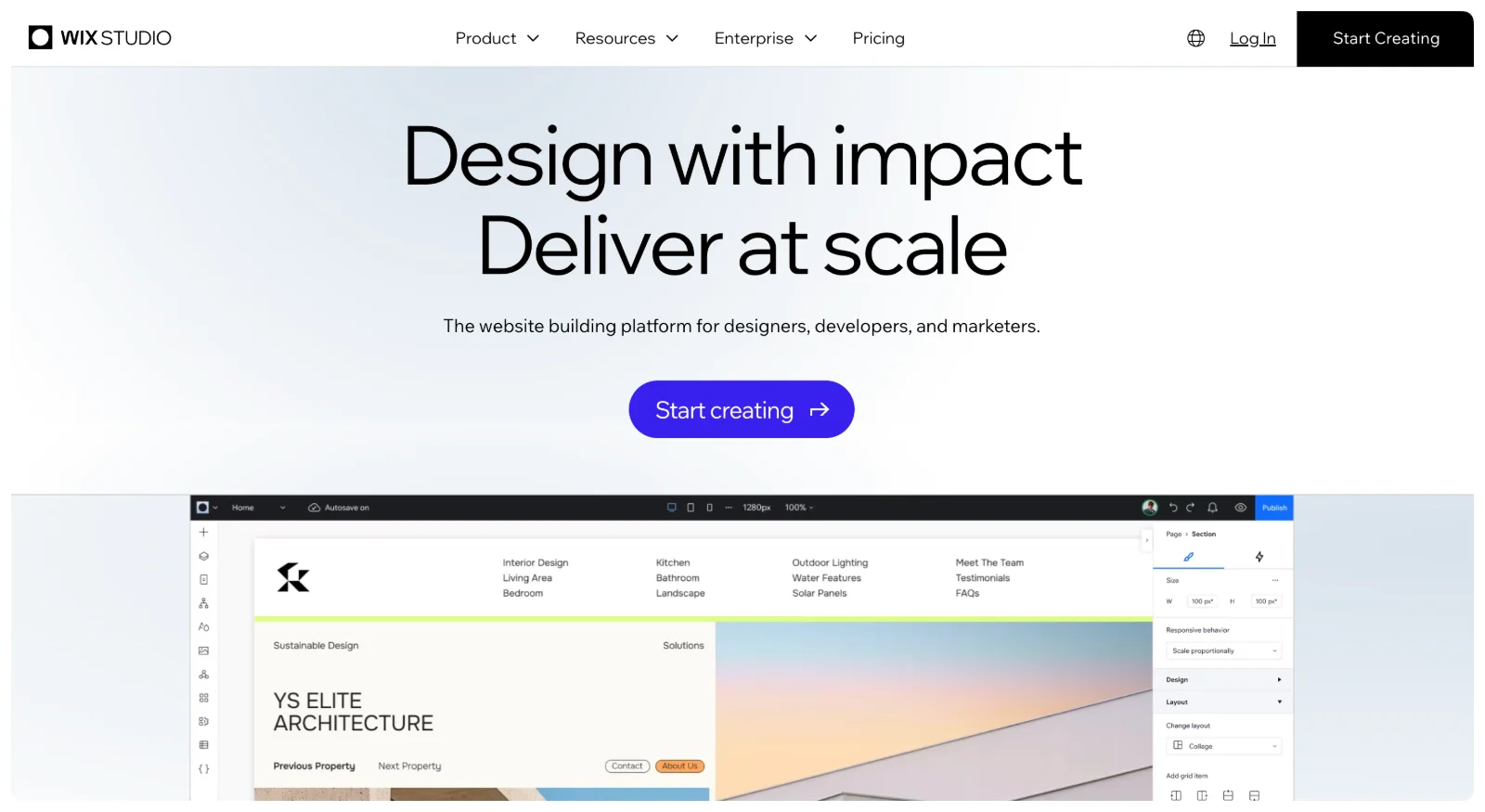 Wix Studio (previously Editor X) represents Wix's answer to Webflow, targeting agencies and professional designers with advanced capabilities while maintaining easier usability.
Best for: Agencies and freelancers wanting balance between power and simplicity, with robust app ecosystem.
Wix Studio provides advanced responsive design controls with an extensive app marketplace featuring over 3,000 integrations. The platform combines strong ecommerce capabilities with a familiar drag-and-drop interface that's easier to learn than Webflow. Comprehensive SEO tools and 24/7 customer support provide reliability for client work. The large template library offers starting points for projects, while the app ecosystem extends functionality without custom development.
Design freedom is less extensive than Webflow for complex animations and custom interactions. Lower-tier plans include Wix branding, and some advanced features require purchasing apps or plugins. For agencies needing extensive integrations and client-friendly interfaces, these limitations often matter less than the operational efficiency gained.
Pricing: Free plan available with Wix branding. Business plans start at $27/month, with workspace pricing for agencies managing multiple sites.
When to choose Wix Studio: Pick Wix Studio when you want professional design capabilities without Webflow's complexity, especially if you value extensive integrations and don't need cutting-edge animation control. Excellent for client work requiring quick turnaround without sacrificing professional quality.
4. Umso
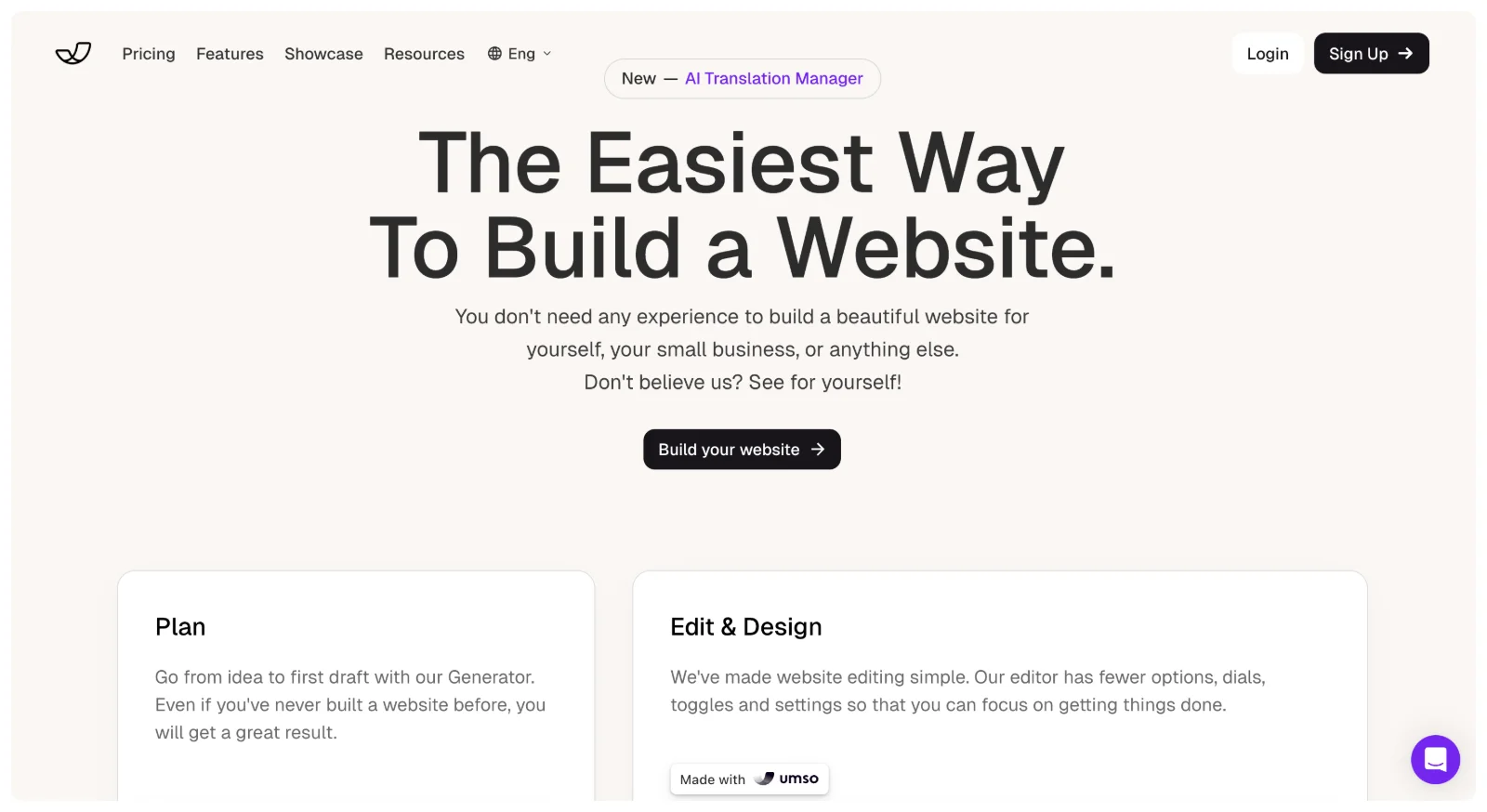 Umso takes a different approach, using AI to help startups build websites quickly without design expertise or extensive time investment.
Best for: Startups and entrepreneurs needing professional sites fast without design experience.
Umso's AI-powered design intelligence creates startup-focused features and templates optimized for conversion. The setup process takes minutes rather than hours, requiring no design or coding knowledge. Built-in analytics and forms provide essential business functionality without additional setup. The affordable pricing and conversion-optimized layouts make Umso accessible for early-stage companies with limited resources.
Design flexibility is intentionally limited compared to Webflow or Framer, focusing on speed rather than customization. The feature set is smaller than comprehensive platforms, and SEO capabilities remain basic. For startups needing to launch quickly and validate ideas, these limitations are acceptable trade-offs for immediate market presence.
Pricing: Free plan available. Pro plan at $25/month includes all features.
When to choose Umso: Choose Umso when you're launching a startup and need a professional website immediately without time for learning complex tools. Not suitable for agencies or businesses requiring extensive customization, but perfect for founders focused on product development rather than website building.
5. WordPress
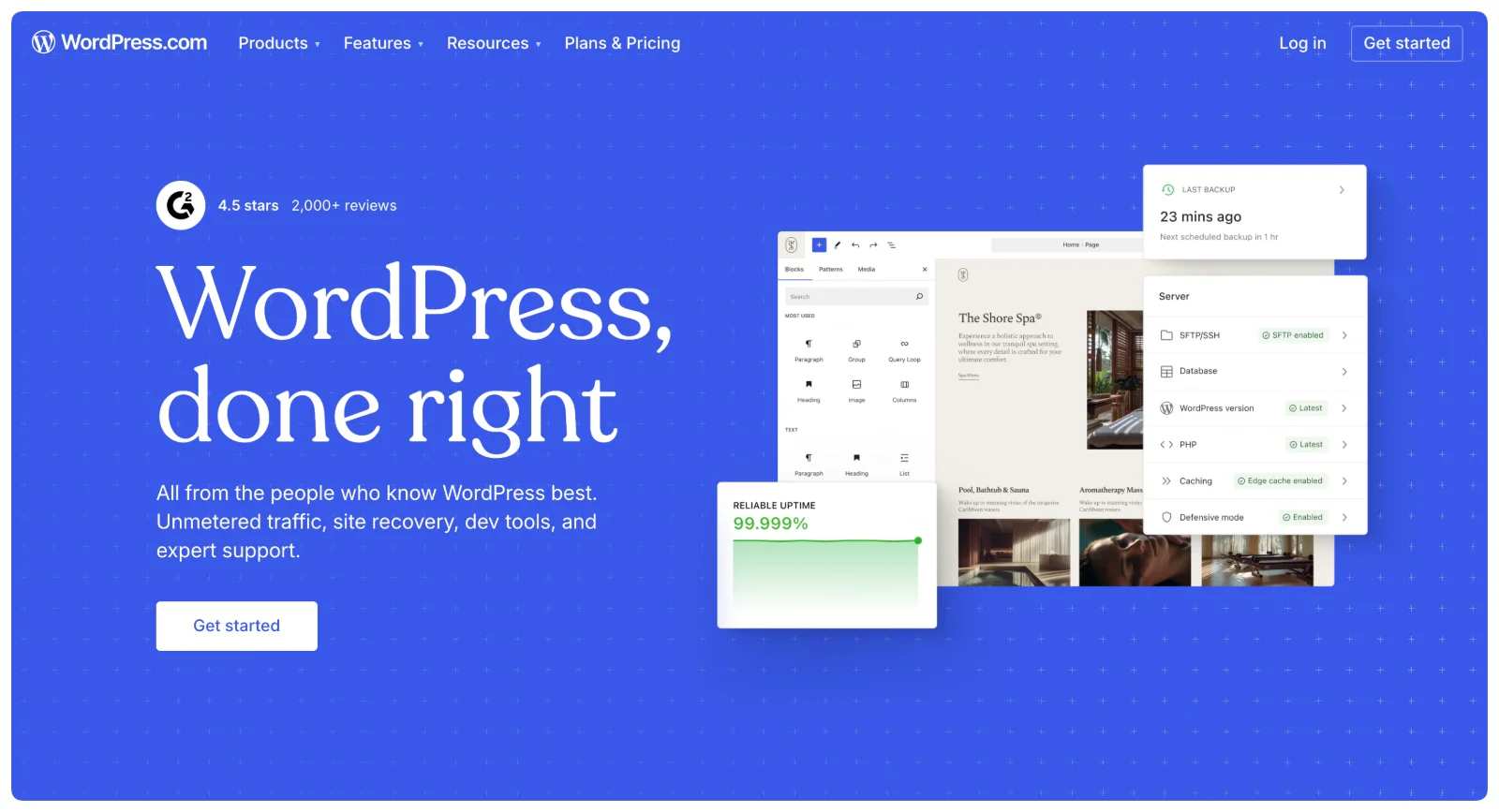 WordPress powers over 43% of all websites, offering unmatched flexibility through its open-source nature and massive plugin ecosystem.
Best for: Businesses needing complete control, extensive customization, and long-term scalability.
WordPress provides access to over 60,000 plugins for virtually any functionality imaginable, from simple contact forms to complex membership systems. Thousands of themes, both free and premium, offer design starting points. Complete ownership and control mean you're never locked into proprietary systems. The platform's unmatched SEO capabilities and active global community provide resources for any challenge. WordPress scales from simple blogs to complex applications, making it cost-effective for feature-rich sites as you grow.
WordPress requires more technical knowledge than no-code builders, with manual maintenance including updates, security patches, and backups. Plugin conflicts can create technical issues requiring troubleshooting. The learning curve is steeper for beginners, and you need to manage separate hosting. For businesses with technical resources or developer access, these requirements are manageable trade-offs for unlimited flexibility.
Pricing: WordPress software is free. Costs come from hosting ($4-25/month for shared hosting), premium themes ($30-200), and plugins (varies widely).
When to choose WordPress: Pick WordPress when you need maximum flexibility and plan to scale significantly. Best for content-heavy sites, blogs, complex business sites, and ecommerce stores (with WooCommerce). Requires comfort with technical aspects or budget for developer help.
6. Shopify
 Shopify dominates ecommerce, powering over 4.4 million active online stores with robust selling features far exceeding Webflow's ecommerce capabilities.
Best for: Anyone serious about selling products online, from startups to established brands.
Shopify delivers best-in-class ecommerce functionality with secure, reliable checkout processes trusted by millions of customers. The extensive app ecosystem provides ecommerce-specific features for inventory management, shipping, marketing, and customer service. Built-in marketing and analytics tools help drive sales, while multi-channel selling extends reach to social media and marketplaces. POS integration connects online and physical stores, with 24/7 customer support providing assistance when issues arise.
Shopify provides less flexibility for non-store pages compared to dedicated website builders. Transaction fees apply unless you use Shopify Payments, and monthly costs increase with apps and features. Template customization is more limited than Webflow's design freedom. For businesses where ecommerce is the primary focus, these limitations matter less than Shopify's specialized selling capabilities.
Pricing: Basic plan at $39/month, Shopify at $105/month, Advanced at $399/month. Free trial available.
When to choose Shopify: Choose Shopify when ecommerce is your primary focus. While Webflow can handle stores, Shopify's specialized ecommerce features, payment processing, inventory management, and scaling capabilities justify the cost for serious online sellers.
Stop overpaying Deel to manage contractors
Manage up to 25 contractors for $99/month instead of Deel's $500/month. Pay directly via Wise/PayPal. No middleman holding your money. Save $5,000/year.
See Kontrable7. Squarespace
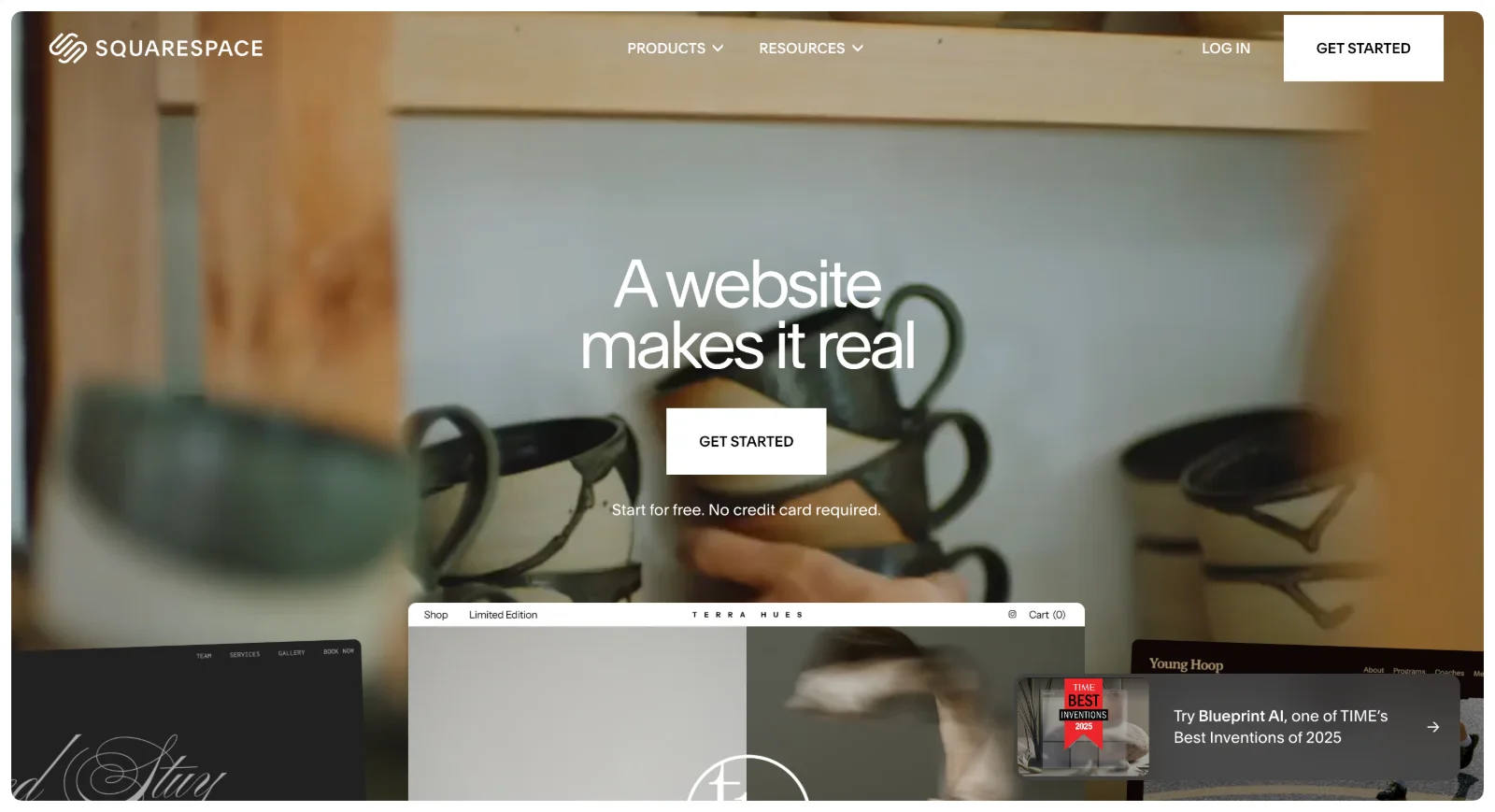 Squarespace built its reputation on beautiful templates and simplicity, serving over 4 million websites with polished, professional designs requiring minimal effort.
Best for: Creatives, small businesses, and individuals wanting beautiful sites without technical complexity.
Squarespace offers gorgeous, professionally designed templates that provide excellent starting points for any project. The extremely user-friendly interface makes website building accessible to complete beginners. As an all-in-one solution including hosting, domains, and email, Squarespace simplifies technical management. Strong blogging capabilities, decent ecommerce for small stores, and built-in SEO and analytics provide essential business features. Excellent customer support and mobile-optimized designs ensure professional results without technical knowledge.
Design flexibility is less extensive than Webflow, with template switching limited after site launch. Advanced features for complex needs are fewer, and the template-based approach can feel restrictive for custom designs. There's no free plan, only a 14-day trial, and annual billing is required. For users prioritizing beautiful design and simplicity over advanced customization, these limitations are acceptable.
Pricing: Personal plan at $16/month, Business at $23/month, Commerce plans from $27-49/month. Annual billing required.
When to choose Squarespace: Pick Squarespace when you prioritize beautiful design and simplicity over advanced customization. Perfect for photographers, artists, small businesses, bloggers, and anyone wanting professional results without technical knowledge.
Alternative approach: Use Webflow with professional help
Before comparing platforms, consider this: many people search for Webflow alternatives because of complexity or cost, but the real issue might not be Webflow itself—it's doing it alone or paying $15,000-50,000 for agency projects.
The Webflow problem isn't Webflow
A common scenario plays out repeatedly: "Webflow is too complex, so I'll use Squarespace instead." The reality? You compromise on design flexibility, performance, and CMS capabilities because you're trying to DIY something that benefits from professional expertise. There's an alternative approach: use Webflow with professional development at predictable monthly rates instead of massive project quotes.
Unlimited Webflow design and development
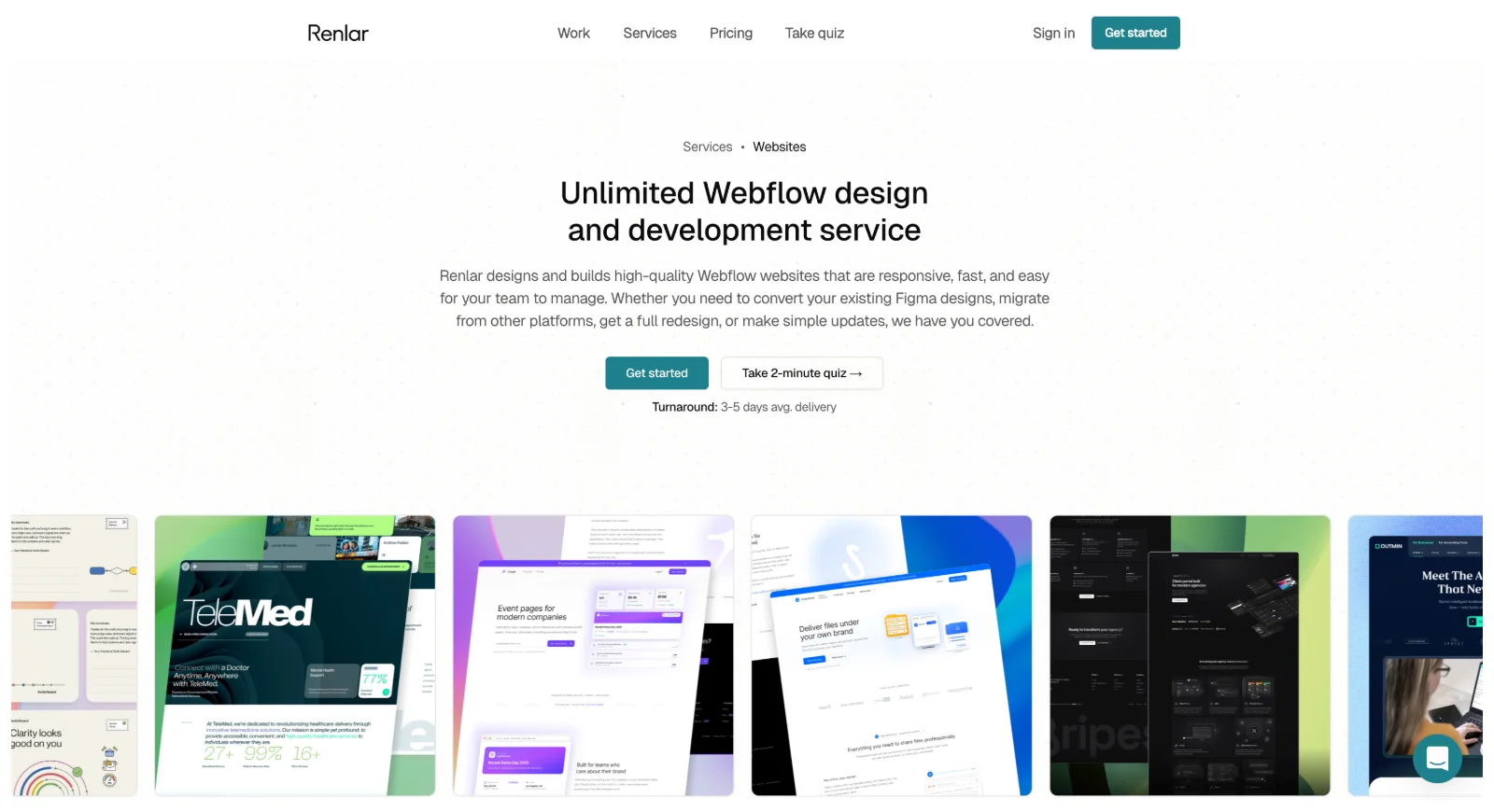 Renlar provides flat-rate Webflow design and development that eliminates both problems. You don't need to master Webflow because the team handles design in Figma and development on Webflow while you focus on your business. Instead of paying agencies $15,000-50,000 per project taking 3-6 months, monthly subscriptions deliver projects in weeks.
The service includes converting Figma designs to functional Webflow sites, designing and building complete sites from scratch, ongoing updates and maintenance, platform migrations from WordPress, Wix, or Squarespace to Webflow, custom integrations with HubSpot, Stripe, and APIs, responsive design and performance optimization, plus CMS setup your team can manage without developer help.
Bundle tier at $1,995/month provides 3 concurrent projects including Webflow development. Agency tier at $2,495/month provides 4 concurrent projects with white-label capabilities for client work.
This approach makes sense when you want Webflow's superior design capabilities, performance, and CMS but don't want to learn the platform or pay massive agency fees. It's particularly valuable for businesses needing ongoing website work beyond single projects. Most agencies charge $15,000-50,000 per Webflow site and take months. Professional Webflow development delivers at monthly rates with unlimited revisions until everything works right—no change orders, no surprise invoices.
Get started with Webflow development
Detailed comparison: choosing the right platform
By ease of use
Squarespace and Umso provide the easiest entry points for beginners with no technical experience. Wix Studio and Shopify offer moderate complexity with intuitive interfaces once you understand basic concepts. Ycode and Framer require more design thinking but remain accessible. WordPress and Webflow demand the most technical understanding.
By design flexibility
Webflow and WordPress offer maximum control over every design element. Framer, Ycode, and Wix Studio provide high flexibility with more guided workflows. Shopify allows moderate customization within ecommerce constraints. Squarespace and Umso use template-based approaches with limited custom design.
By pricing
The most affordable options include Umso at $25/month, Ycode starting at $5/month for hosting, and WordPress where you only pay for hosting. Mid-range pricing covers Framer ($10-20/month), Squarespace ($16-27/month), and Wix Studio ($27+/month). Premium pricing includes Shopify starting at $39/month and Webflow at $14/month base with costs escalating for features.
By best use case
For marketing sites and portfolios, consider Framer, Squarespace, or Wix Studio. Startup landing pages work best on Umso or Ycode. Ecommerce stores belong on Shopify exclusively. Blogs and content-heavy sites thrive on WordPress or Squarespace. Agency client work succeeds with Wix Studio or Ycode. Complex web applications require WordPress or Webflow capabilities.
Making your decision
Choose based on your primary need
If you want Webflow's power without complexity, professional Webflow development like Renlar eliminates the learning curve while maintaining superior capabilities. Monthly rates of $1,995-$2,495 cost significantly less than agency projects ranging from $15,000-50,000.
For design aesthetics, Framer offers the best balance of beauty and ease. Squarespace works if you're happy with template customization rather than full custom design.
On limited budgets, Ycode or Umso provide professional results at accessible pricing. WordPress offers maximum value if you're comfortable handling technical aspects yourself.
When selling products, Shopify beats all competitors. Don't compromise on ecommerce capabilities if online sales drive your business.
For maximum flexibility and customization, WordPress provides unmatched options through its plugin ecosystem, though requiring technical comfort or developer support.
If you want simplicity above all else, Squarespace or Umso get you online fastest with minimal learning curves and immediate professional appearance.
Agencies benefit most from Wix Studio or Ycode, offering the best balance of client collaboration features, cost efficiency, and professional output quality.
Consider your technical comfort
Non-technical users should focus on Squarespace, Umso, or Wix Studio for the friendliest experiences. Design-focused users will appreciate Framer if you understand design principles, or Ycode if you want Webflow-style control. Technical users find WordPress offers unlimited possibilities through code access and customization. Business-focused users benefit from Shopify handling ecommerce complexity so you can focus on selling rather than platform management.
Think long-term
WordPress and Shopify handle business growth best, scaling effectively as your needs expand. Most Webflow alternatives hit limitations with very large, complex sites requiring enterprise features.
WordPress offers the most freedom to migrate if needed. Proprietary platforms like Webflow, Shopify, or Squarespace create switching challenges with locked-in content and custom implementations.
Time spent mastering Webflow or WordPress pays off long-term through transferable skills applicable to other projects. Simpler platforms trade flexibility for speed—appropriate when time-to-market matters more than platform mastery.
Calculate 2-3 year total costs including hosting, apps, templates, and features you'll actually need. Cheap entry pricing often escalates as you add necessary functionality.
Common migration scenarios
People move between platforms for different reasons. Design-focused users often migrate from Webflow to Framer when they find Framer's interface more intuitive while maintaining similar visual quality standards. Teams frustrated with Webflow's workspace costs appreciate Ycode's free collaboration features at lower overall pricing. Users hitting Webflow's limitations or wanting to reduce long-term costs choose WordPress for its unlimited flexibility through plugins and themes. Ecommerce-focused businesses switching to Shopify discover that specialized selling features justify the platform change despite migration effort.
From WordPress, users tired of constant maintenance often move to Squarespace or Wix Studio for simplicity and included hosting that eliminates technical management. WooCommerce users wanting better ecommerce experiences migrate to Shopify's specialized platform, trading WordPress flexibility for superior selling features and simpler operations.
Bottom line
Webflow excels for designers and agencies needing maximum design control and comfortable with its learning curve and premium pricing. However, you have two strategic approaches beyond Webflow itself.
Seven strong alternative platforms serve different needs more effectively. Framer delivers beautiful design with easier learning curves for creative professionals. Ycode provides Webflow-level control at better pricing with free team collaboration. Wix Studio balances power and simplicity for agencies wanting fast client delivery. Umso gets startups online immediately with AI-powered design assistance. WordPress offers unlimited flexibility and long-term scalability for technical users. Shopify dominates ecommerce with specialized selling features. Squarespace creates gorgeous sites effortlessly for non-technical users prioritizing simplicity.
If you want Webflow's superior capabilities without the complexity or agency project costs, Renlar provides unlimited Webflow design and development at flat monthly rates of $1,995-$2,495. This eliminates both the learning curve problem and the $15,000-50,000 agency project problem.
Choose based on your actual needs. For DIY with simpler platforms, pick from the seven alternatives based on ease of use, budget, and feature requirements. For DIY with Webflow itself, invest time learning for maximum control and expect several weeks of learning curve. For professional Webflow help, get Webflow's power through expert development at predictable monthly costs.
The best website builder matches your skills, budget, and goals rather than being the most powerful or prestigious option. Sometimes that means using a simpler platform. Sometimes it means using the powerful platform with professional help.
Most platforms offer free trials or plans. Test 2-3 options with actual content before committing. The right platform feels natural for your workflow, fits your budget, and accomplishes your goals without unnecessary complexity.
Ready to scale your business?
Get professional design and development capacity without hiring overhead. Consistent quality, predictable costs, always available.
Get started