Best Project Management Tools for Startups in 2026
Compare the best project management tools for startups. Find the right platform for your team with honest reviews and pricing comparisons.

Ready to scale your business?
Get professional design and development capacity without hiring overhead. Consistent quality, predictable costs, always available.
Get startedRunning a startup requires managing multiple priorities simultaneously - product development, team coordination, client deliverables, and strategic planning all compete for attention. Without effective project management tools, critical tasks slip through the cracks and team productivity suffers.
The right project management platform helps startups maintain organization as they grow, ensuring nothing falls through gaps as teams scale and complexity increases. Different tools serve different business types and team structures, from simple task tracking to comprehensive project delivery systems.
This guide examines the best project management tools for startups in 2026, focusing on platforms that provide genuine value without enterprise complexity or pricing that strains early-stage budgets.
If you're an agency: Start with Corenn
Before exploring general project management tools, agencies and service-based businesses should consider Corenn - a platform built specifically for managing client projects and relationships together.
Corenn - Agency-focused project management and client portal
Built by Tarkle, Corenn combines project management with client portal functionality designed for creative agencies, marketing firms, and service businesses. Unlike general project management tools designed for internal teams, Corenn integrates client-facing project delivery with backend workflow management.
Agencies get white-label client portals where clients access their projects, files, and communications without seeing other clients' information or navigating complex agency systems. The integrated CRM tracks client relationships and project history alongside active work. Project management features organize tasks, deadlines, and deliverables while file sharing keeps all project assets accessible.
Custom inquiry forms capture new leads directly into the system. Built-in billing and payment processing eliminates separate invoicing tools. Client communication tracking maintains history of all interactions, ensuring continuity when multiple team members work with the same clients.
The platform presents professional branded experiences to clients while Corenn handles the infrastructure. This matters for agencies where client perception impacts retention and referrals as much as project delivery quality.
Corenn offers a 14-day trial allowing agencies to evaluate whether the integrated client portal and project management approach fits their workflow. After the trial period, pricing starts at $59 monthly.
Pricing: 14-day trial, then $59/month
Best for: Creative agencies, marketing firms, and service-based businesses managing client projects and relationships together
Not an agency? The platforms below serve general startups, internal teams, and businesses without client-facing project requirements. Continue reading for project management options better suited to your needs.
Top project management tools for startups
Asana
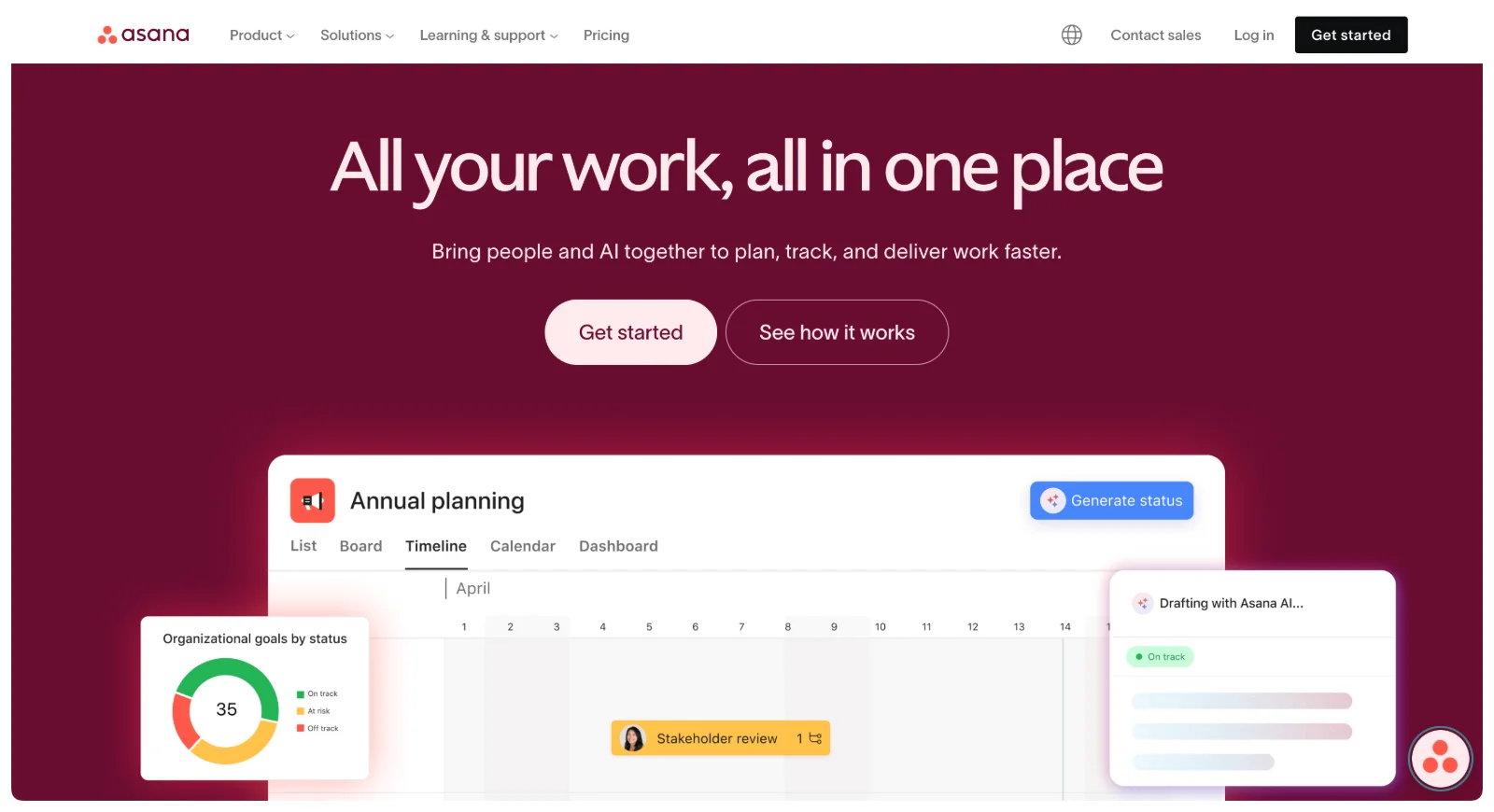 Asana combines simplicity with powerful features, making it accessible for teams without project management experience while providing depth for complex workflows. The platform works well for startups needing structure without overwhelming complexity.
Project organization happens through boards, lists, or timeline views depending on preference and project type. Teams can create multiple projects, assign tasks to members, set due dates, and track progress visually. Focus mode helps prioritize critical work by filtering out non-essential tasks.
Built-in messaging keeps project conversations contextual rather than scattered across email and chat. Commenting on tasks maintains discussion history alongside the work itself. Custom fields allow tracking project-specific information beyond standard task details.
Integration capabilities connect Asana with over 200 tools including Slack, Microsoft Teams, Google Workspace, and Zoom. This connectivity allows teams to work within existing workflows rather than forcing platform migration.
The free plan supports teams up to 15 people with unlimited tasks, projects, and activity logs. This makes Asana accessible for very small startups testing project management approaches. The Premium plan at $10.99 per user monthly adds timeline views, advanced search, and workflow automation.
Pricing: Free for up to 15 users. Premium $10.99/user/month
Best for: Startups wanting balance between simplicity and functionality, teams new to project management tools, businesses needing strong integration capabilities
ClickUp
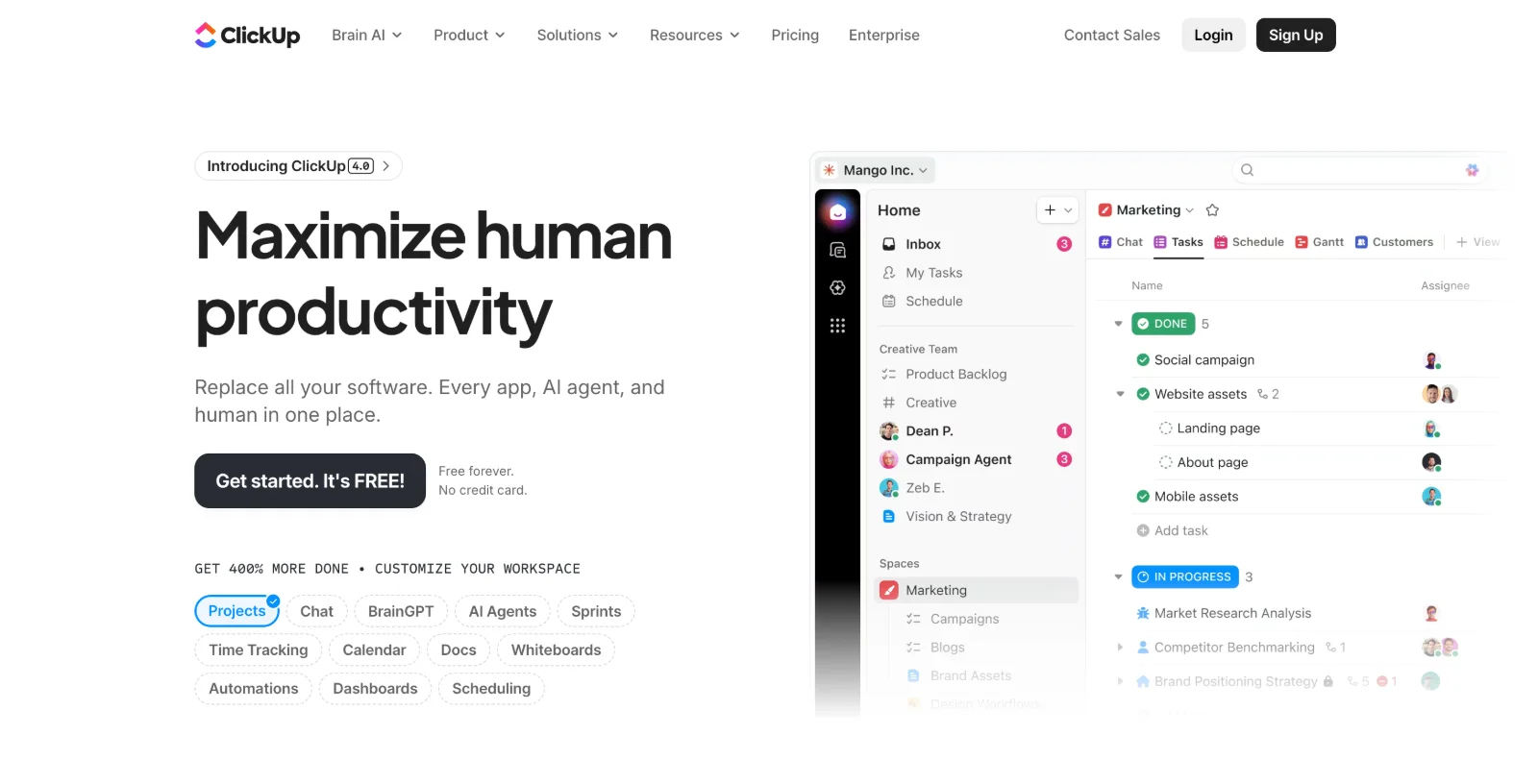 ClickUp provides extensive customization allowing teams to build project management systems matching their specific workflows rather than adapting to rigid structures. This flexibility appeals to startups with unique processes or rapidly evolving needs.
The platform supports multiple project views - lists, boards, calendars, Gantt charts, and more - letting different team members work in their preferred format while maintaining unified data. Custom fields, tags, and status labels enable tracking whatever matters for your specific projects.
Templates and widgets accelerate setup, providing starting points for common project types that teams can customize to their needs. Over 1,000 integrations connect ClickUp with tools like Dropbox, Google Suite, GitHub, and countless others through Zapier.
The generous free plan offers unlimited tasks and members with 100MB storage, making it accessible for budget-conscious startups. However, the interface complexity can overwhelm teams wanting simpler solutions. The learning curve investment pays off for teams needing customization but may frustrate those wanting immediate simplicity.
Paid plans start at $7 per user monthly, adding unlimited storage, integrations, and advanced features like time tracking and goal setting.
Pricing: Free with limitations. Paid plans from $7/user/month
Best for: Startups needing high customization, teams with unique workflows, businesses willing to invest in setup and learning for long-term flexibility
Teamwork
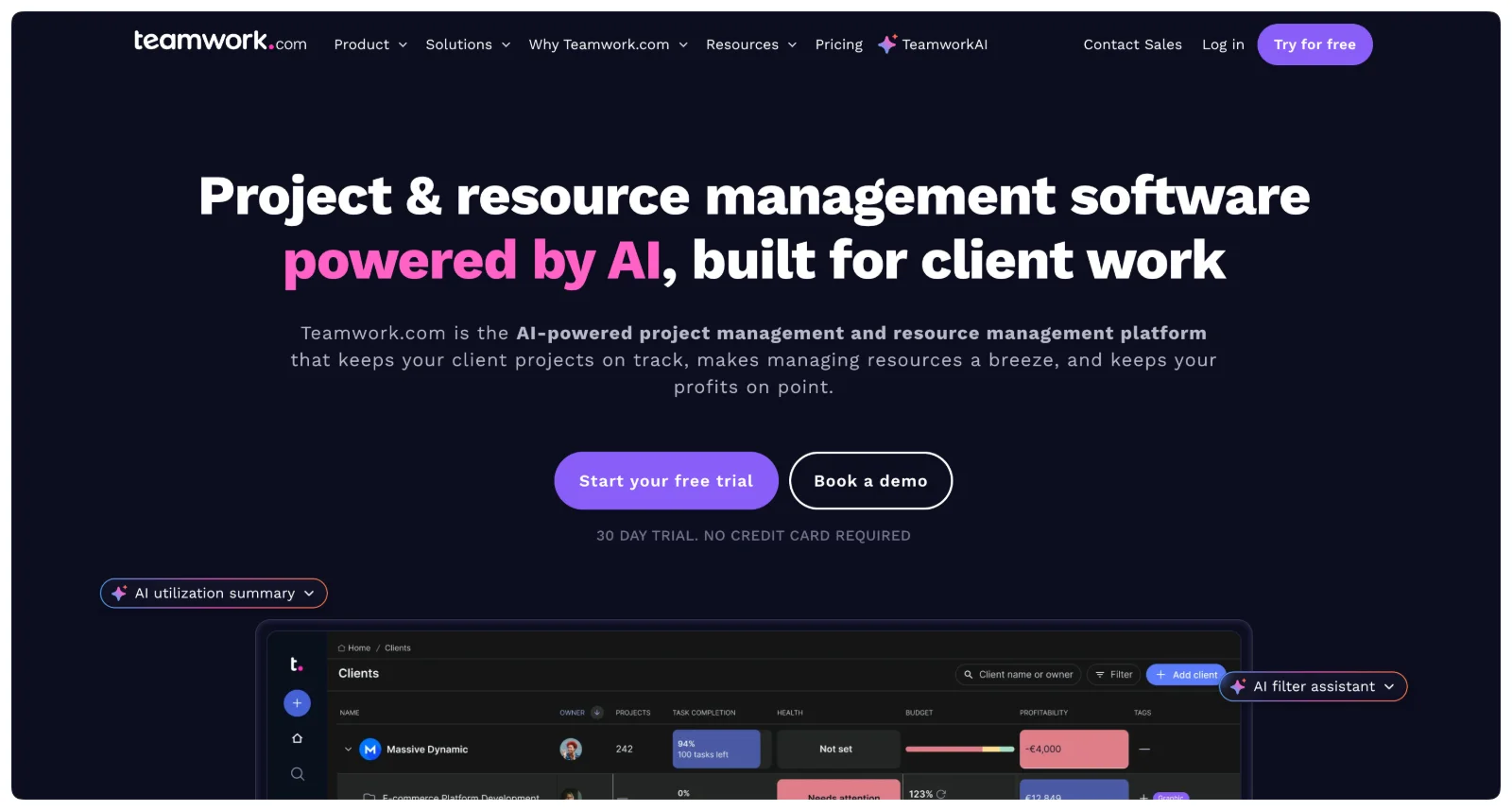 Teamwork targets agencies and client-facing businesses with features specifically addressing project delivery to external clients. This positioning differentiates it from tools designed primarily for internal team coordination.
Project templates, time tracking, and invoicing features support billable client work. Resource management helps allocate team capacity across multiple concurrent projects. Client access controls allow sharing specific project information without exposing entire systems.
Collaboration features enable multiple team members working on the same projects with clear task assignment and progress tracking. Reporting and analytics provide visibility into project profitability, team utilization, and delivery metrics important for service businesses.
The free plan supports up to 5 users, suitable for very small agencies testing the platform. The Deliver plan at $9.99 per user monthly unlocks core features like time tracking and billing that service businesses typically need.
Stop overpaying Deel to manage contractors
Manage up to 25 contractors for $99/month instead of Deel's $500/month. Pay directly via Wise/PayPal. No middleman holding your money. Save $5,000/year.
See KontrableWhile powerful for agencies, Teamwork's client-focused features add complexity unnecessary for purely internal projects. Startups not delivering client work may find simpler alternatives more appropriate.
Pricing: Free for up to 5 users. Deliver plan $9.99/user/month
Best for: Small agencies managing client projects, service businesses needing time tracking and billing integration, teams delivering external work
Trello
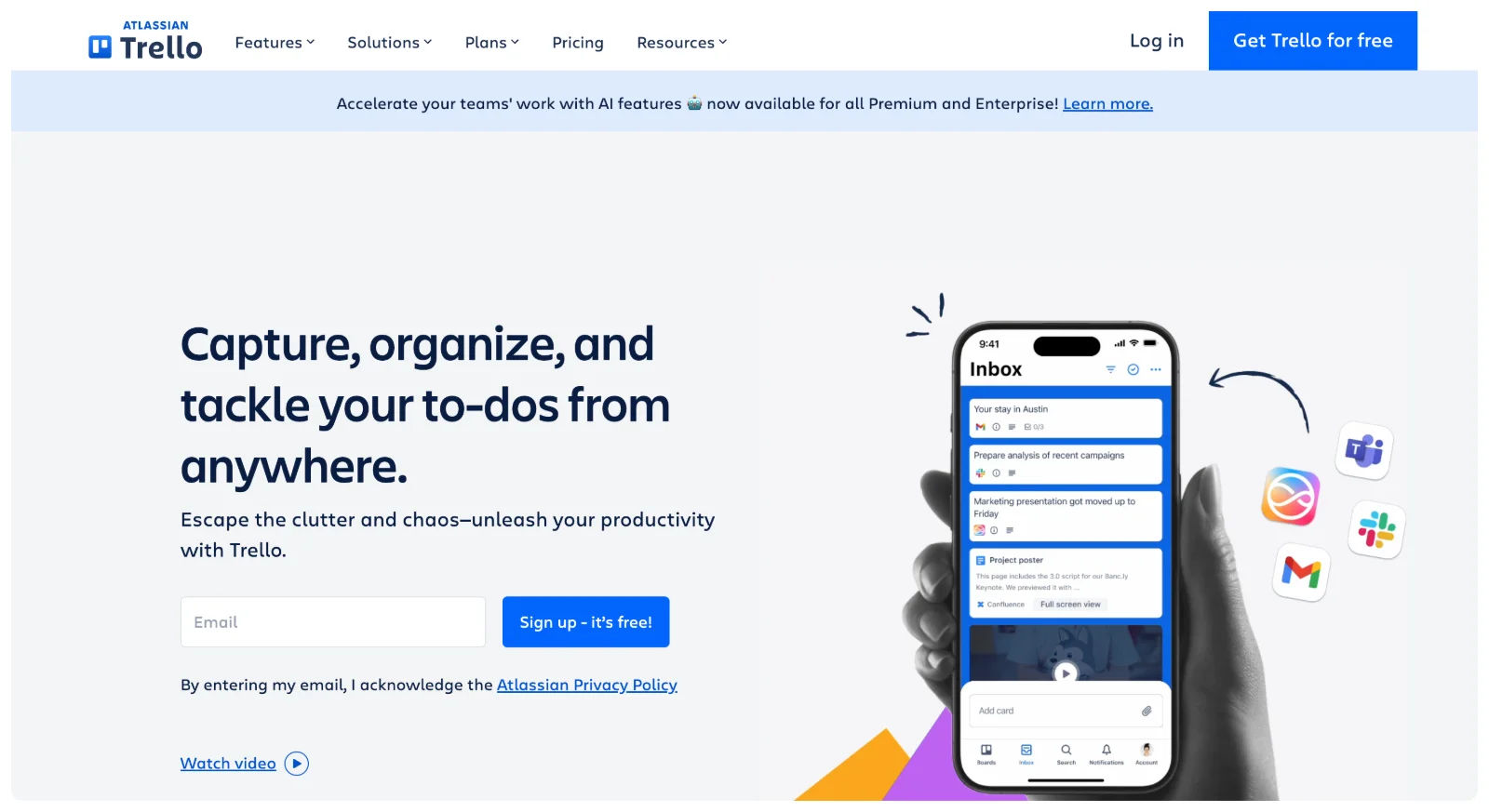 Trello's visual Kanban board approach makes project management intuitive and accessible, particularly for teams new to structured project tracking. Cards represent tasks moving across columns representing workflow stages.
The simplicity proves both strength and limitation. Teams can start using Trello immediately without training, creating boards, adding cards, and moving work through stages visually. Checklists within cards break complex tasks into steps. File attachments and comments keep relevant information contextual.
Integration with Google Drive, Slack, and other tools extends functionality. Power-ups add capabilities like calendar views, voting, and custom fields. However, complex projects with dependencies and intricate timelines may outgrow Trello's fundamental simplicity.
The free plan offers unlimited cards and boards with 10MB file attachments per card. The Standard plan at $5 per user monthly (billed annually) removes attachment limits and adds advanced checklists and custom fields.
Pricing: Free with limitations. Standard $5/user/month (annual billing)
Best for: Small teams wanting visual simplicity, startups new to project management, businesses with straightforward workflows without complex dependencies
Wrike
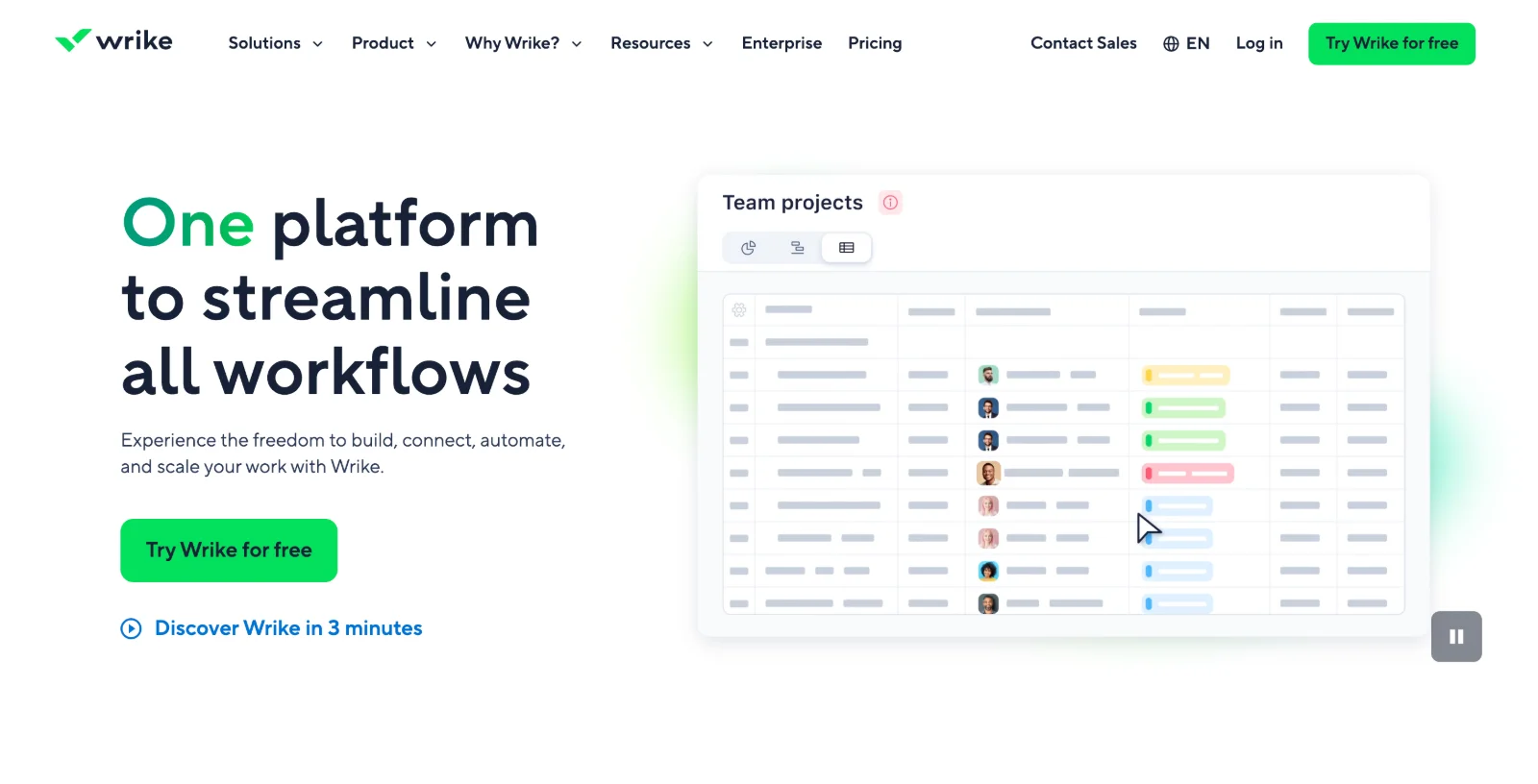 Wrike serves startups ready for robust project management with enterprise-level capabilities. The platform handles complex projects with dependencies, resource allocation, and detailed timeline planning.
Gantt charts visualize project timelines and task dependencies, helping teams understand how delays impact overall delivery. Workload views show team capacity, preventing overallocation and burnout. Cross-project views provide portfolio management for businesses juggling multiple initiatives.
Collaboration features include document editing, proofing, and approval workflows. Custom workflows adapt the platform to specific business processes. Real-time reporting dashboards track project health and team productivity.
The free plan supports up to 5 users but limits features significantly. Professional plans start at $9.80 per user monthly, unlocking capabilities most growing teams need. The complexity and pricing position Wrike for startups with some traction rather than very early-stage companies.
Pricing: Free for up to 5 users with limitations. Professional $9.80/user/month
Best for: Growing startups with complex projects, teams managing multiple concurrent initiatives, businesses needing enterprise-level features at startup pricing
Choosing the right project management tool
The best tool depends on your business type, team size, project complexity, and budget. Agencies managing client projects benefit from platforms designed for external project delivery like Corenn or Teamwork. Internal product teams need different capabilities than service businesses tracking billable hours.
Evaluate based on business type
Agencies and service businesses need client portals, time tracking, and billing integration. Corenn provides this specifically for agencies, while Teamwork offers similar capabilities for slightly larger teams.
Product development teams need roadmap planning, sprint management, and technical integrations. ClickUp's customization or Asana's developer-friendly features serve these needs.
Small internal teams wanting simplicity benefit from Trello's visual approach or Asana's balanced feature set without overwhelming complexity.
Growing companies with complex projects need resource management and portfolio views that Wrike provides at startup-friendly pricing.
Consider team size and budget
Free plans accommodate very small teams testing approaches. Asana, ClickUp, Trello, and Wrike all offer free tiers with meaningful functionality. However, teams quickly outgrow free limitations as project complexity and member count increase.
Budget $5-$10 per user monthly for paid plans providing necessary features. This investment proves worthwhile when improved organization and productivity exceed the cost.
Calculate based on actual team size. A 10-person team paying $10 per user monthly costs $100 monthly, significant for bootstrapped startups but reasonable for teams with revenue or funding.
Assess complexity needs
Simple workflows with straightforward task lists work well in Trello or basic Asana. Complex projects with dependencies, resource constraints, and timeline management need ClickUp, Wrike, or Teamwork's advanced capabilities.
Match tool complexity to actual needs rather than aspirational requirements. Starting simple and upgrading later works better than overwhelming teams with features they don't use.
Bottom line
The right project management tool depends on whether you're managing client projects or internal work, your team size and budget, and your complexity requirements.
Agencies benefit from Corenn's integrated client portal and project management at $59 monthly. Small internal teams find accessibility in Trello's visual simplicity or Asana's balanced approach. Growing startups needing customization appreciate ClickUp's flexibility. Service businesses tracking billable work use Teamwork's client features. Companies managing complex portfolios leverage Wrike's enterprise capabilities.
Start with free plans when available, testing whether platforms match your workflow before committing to paid subscriptions. Most tools offer trials of premium features, allowing evaluation before budget commitment.
Remember that tools enable productivity but don't create it. The best project management system is one your team actually uses consistently, not the one with the most features. Choose platforms matching your current needs and team capacity rather than aspirational complexity.
Ready to scale your business?
Get professional design and development capacity without hiring overhead. Consistent quality, predictable costs, always available.
Get started